
YouTube Video Transcript Generator for Focused Review
A YouTube Video Transcript Generator gives a long recording a readable structure, so the ideas are easier to find, verify, and develop.
1 link
Paste the public video URL instead of downloading the source before you create a YouTube video transcript.
Timed
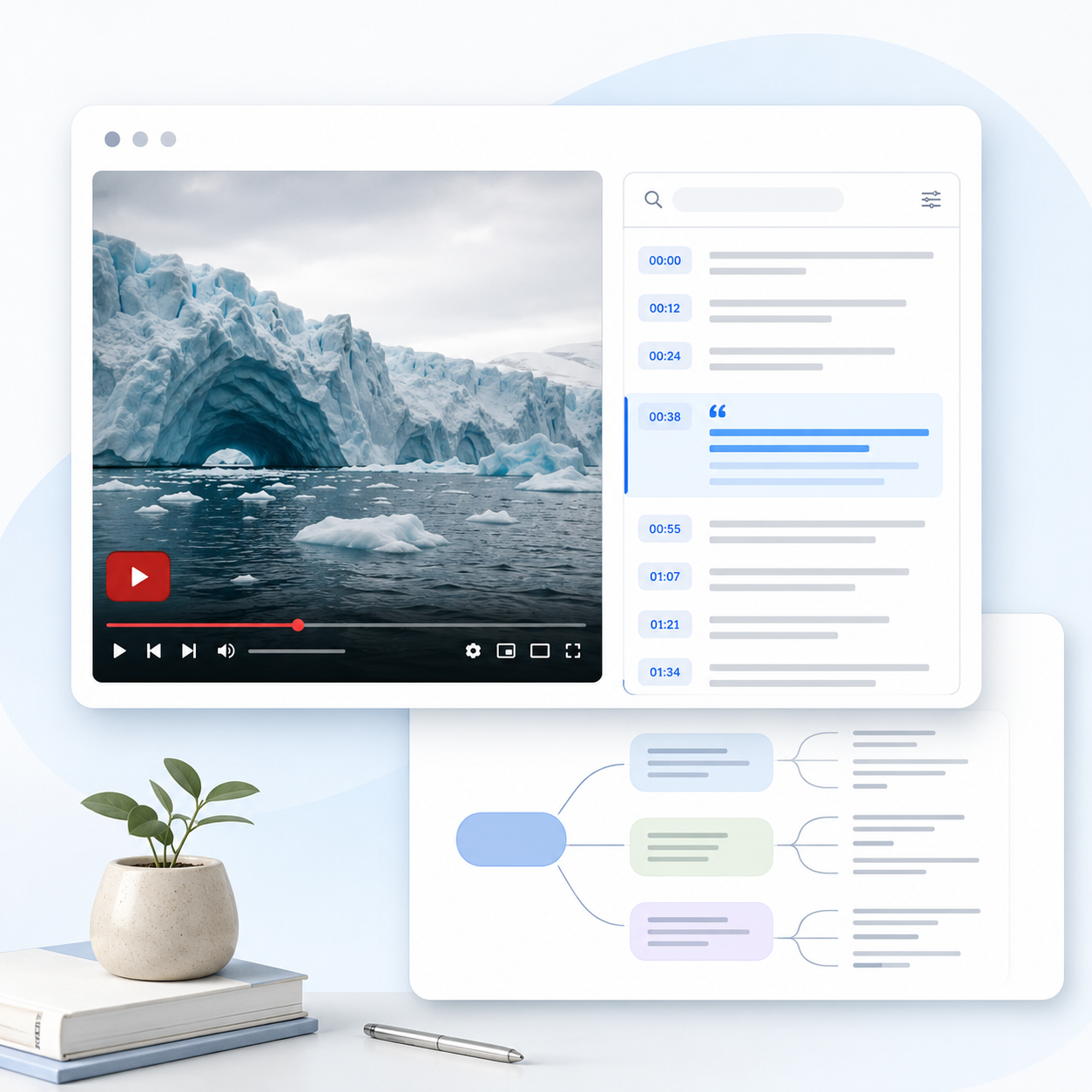
Use timestamped passages to return from an important sentence to the moment where it was spoken.
Searchable
Find a name, concept, quotation, or example across a YouTube transcript without replaying every minute.
7 tools
Develop the transcript into summaries, mind maps, flashcards, quizzes, chapters, infographics, and translations.
Ways to Use a YouTube Video Transcript
The same timed text can support careful learning, accurate research, and efficient content planning without changing the original source.
- Search definitions and key claims before an exam
- Build flashcards from terminology in the recording
- Generate a quiz for active recall
- Map relationships between topics
- Revisit difficult explanations by timestamp
- Locate repeated terms across a long discussion
- Check quotations against the recording
- Separate observations from interpretation
- Summarize arguments for a research brief
- Keep source context available during review
- Outline the source by topic rather than runtime
- Identify concise moments for clips
- Draft accurate notes from spoken details
- Prepare translated reference copy
- Reuse one transcript across several deliverables
From YouTube Video to Transcript and Notes
Use the generator for the transcription stage, then choose the next action according to what you need to learn or produce.
TranscriptVideo workflow | Manual note taking | |
|---|---|---|
| Create the first draft | Generated from the source | Typed while replaying |
| Find a precise topic | Text search | Timeline scanning |
| Confirm the wording | Linked context | Approximate notes |
| Understand the structure | Organized views | Separate outline |
| Prepare for review | Connected study tools | Manual questions |
| Share the meaning | Multiple outputs | One set of notes |
How Timed Transcripts Change the Work
These examples show where a searchable record is more useful than a loose page of notes.
“I use the YouTube Video Transcript Generator for recorded lectures before our study session. Searching the text exposes the exact examples I missed, and the timestamps let me hear the explanation again before I make flashcards.”
Renee Cole
Nursing student
“Public interviews often contain one useful answer inside an hour of conversation. The YouTube Video Transcript Generator lets me locate that answer, verify the wording, and cite the surrounding context in my research notes.”
Owen Hart
Policy researcher
“For every tutorial we reference, I create chapters and a short summary from the transcript. Our writers can understand the process quickly without each person watching the whole recording from the start.”
Priya Shah
Editorial lead
YouTube Transcript Generator Questions
Practical answers about links, timestamps, review, playlists, and the text you create.
General

Create a Searchable YouTube Video Transcript
Give the recording a text layer you can inspect, study, summarize, and reuse without losing the source context.