Audio To Text Generator for Spoken Records
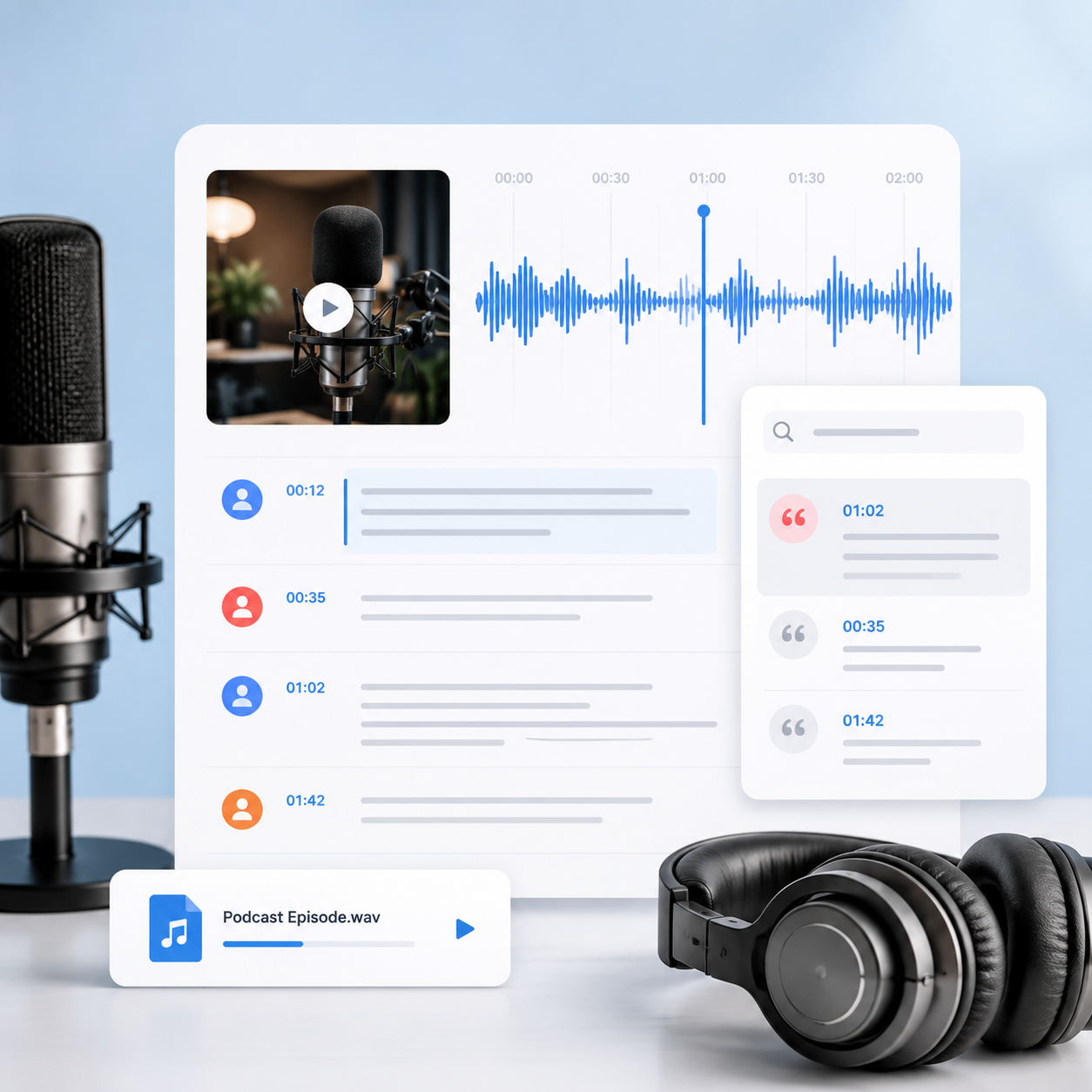
An Audio To Text Generator turns speech-only media into a document you can scan, search, organize, and check against the recording.
Choose
Select a voice note, interview, meeting, lecture, podcast recording, or other supported audio file.
Read
Follow the spoken material as readable passages instead of relying on memory after one listen.
Search
Find a person, action item, term, or quotation inside the audio to text transcription.
Develop
Use the transcript to create summaries, study tools, topic maps, visual notes, chapters, and translations.
Ways to Transcribe Audio to Text
The purpose of transcription changes with the recording, so start by deciding which details need to remain searchable and verifiable.
- Search repeated phrases across a session
- Check quotations against timing context
- Review questions and answers separately
- Summarize findings for a team
- Keep the source available for nuance
- Locate decisions by keyword
- Extract action items for follow-up
- Review how an agreement was framed
- Prepare a concise summary
- Share context with absent teammates
- Find terminology without replaying a class
- Create a mind map of connected ideas
- Build flashcards for later review
- Generate questions for self-testing
- Translate the transcript for reference
Clean Reading or Closer Speech Detail
Choose options according to the purpose of the record; a readable brief and a close study of speech do not always need the same treatment.
Available workflow | Best used for | |
|---|---|---|
| Standard transcription | Audio to text draft | Notes and reference |
| No-verbatim cleanup | Cleaner passages | Briefs and articles |
| Closer speech record | More delivery detail | Research review |
| Speaker separation | Premium option | Several voices |
| Audio event tags | Optional context | Performance and response |
| Source review | Timed checking | Publication accuracy |
Audio Becomes Easier to Act On
Searchable text helps people move from listening to evidence, decisions, and deliberate study.
“I use the Audio To Text Generator after field interviews because participant wording matters. I can compare how several people describe the same issue and then revisit the audio before I include a quotation in the report.”
Dana Foster
Qualitative researcher
“Our project calls contain dates, owners, and exceptions that are easy to miss in handwritten notes. The searchable transcript gives me a better way to prepare follow-ups and verify what the team actually agreed to.”
Luis Romero
Program coordinator
“I record revision notes while walking and convert audio to text when I return. The cleaned transcript becomes an outline, and the flashcards help me keep technical vocabulary active between practice sessions.”
Harper Kim
Certification learner
Audio To Text Generator Questions
Answers about files, speaker separation, cleanup, accuracy, translation, and practical outputs.
How do I transcribe audio to text?
Open the Audio tab, choose a supported recording from your device, select the transcription options, and start generation. The Audio To Text Generator returns readable passages that you can search and develop further.
Can I use an audio file to text converter for interviews?
Yes. Interviews are a strong use case because searchable text makes questions, answers, themes, and quotations easier to examine. Consider speaker separation when several voices appear in the recording.
Can I transcribe audio to text free?
Usage and premium features depend on the current plan and transcription tier displayed in the workspace. Check the available limits before submitting long recordings or enabling speaker separation.
What does no-verbatim change in audio to text transcription?
No-verbatim cleanup reduces common filler words, repetitions, and false starts so the result reads more smoothly. Keep a closer version when delivery details are important to research, legal review, or performance analysis.
Can the Audio To Text Generator separate speakers?
Speaker separation is a premium transcription option designed to clarify turns in interviews, meetings, panels, and group discussions. Always inspect sections with interruptions, similar voices, or overlapping speech.
Can I translate audio to text in another language?
Generate the source transcript first and then use translation for a second language version. Names, idioms, specialist language, and ambiguous statements should be checked with the original audio and relevant context.
What affects audio transcription accuracy?
Microphone quality, room noise, distance, music, compression, accents, overlapping voices, names, and technical vocabulary can all influence the draft. Clear recordings generally require less correction, but important text still deserves review.
Can I convert an audio recording to study materials?
Yes. After the Audio To Text Generator creates the transcript, use summaries for orientation, mind maps for structure, flashcards for recall, and quizzes for active testing. Each output serves a distinct learning task.
Should I publish automatic audio to text without editing?
Review the text before publishing, quoting, or treating it as a formal record. Verify names, numbers, specialist terms, and unclear passages against the source so automation saves time without removing editorial judgment.
Turn Audio into Searchable Working Text
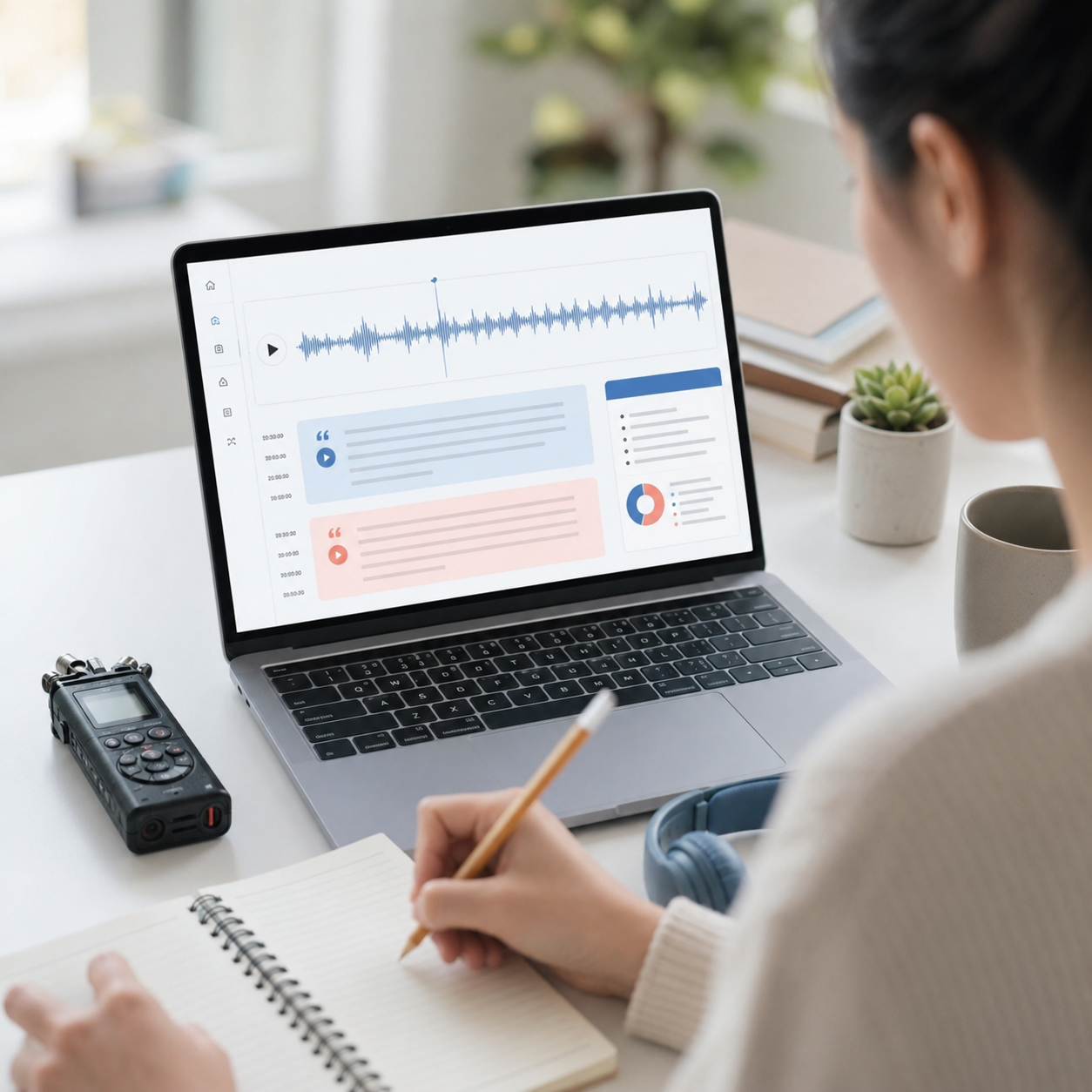
Create an audio transcript you can review, organize, summarize, translate, and use for the next decision or learning task.