Transcript Video - Turn Recordings into Searchable Knowledge
Create timed text from YouTube, video, or audio, then develop the source into summaries, mind maps, chapters, flashcards, quizzes, and translations.


Build more from every transcript video
Create the transcript once, then turn the spoken material into focused study and production assets without replaying the source from the beginning.
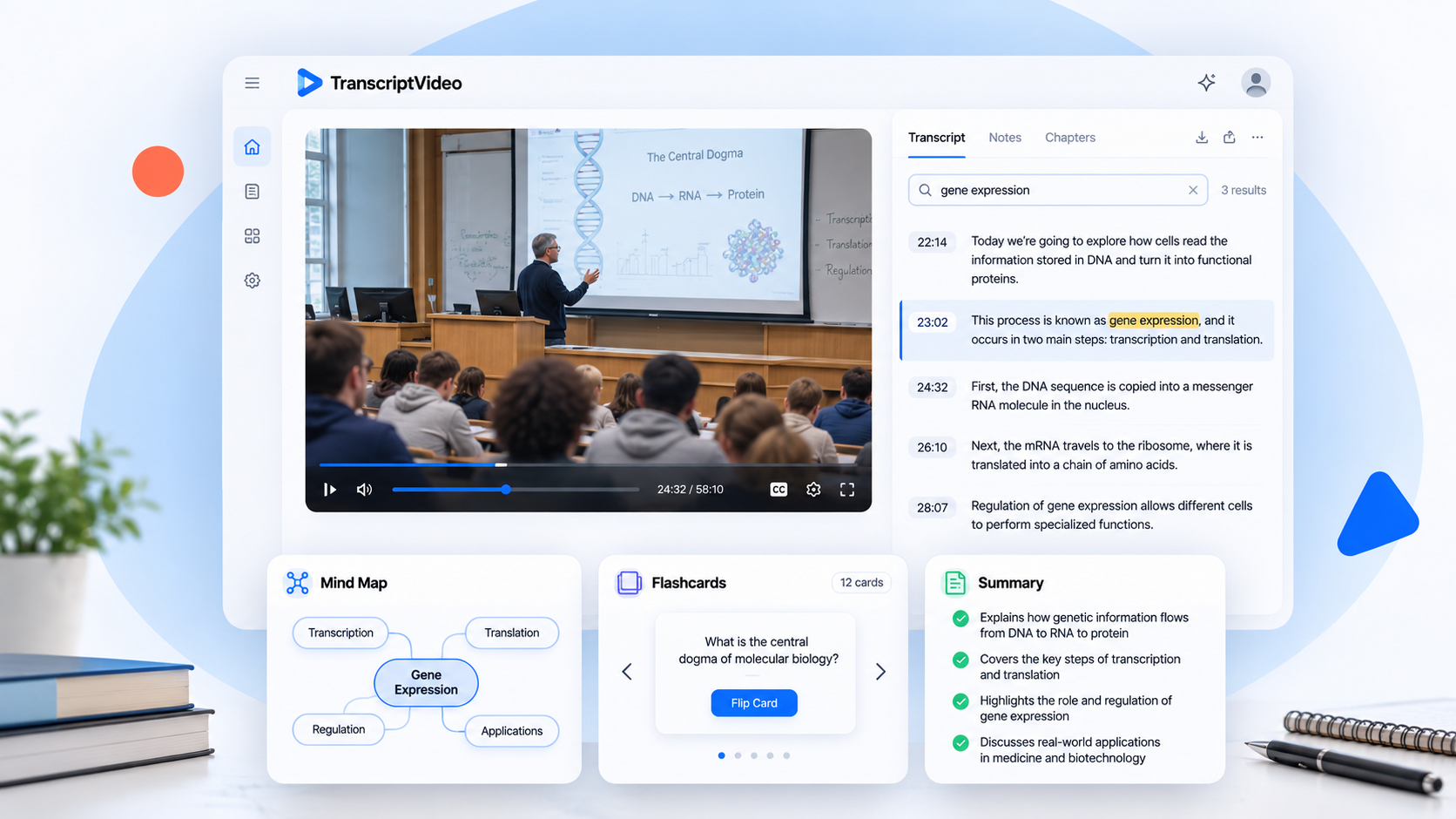
Transcript summary
Condense a long lecture, interview, or briefing into the decisions, claims, and examples that matter.
Mind map
See how topics connect across a transcript video before you plan an article, lesson, or research note.
Study flashcards
Convert definitions and important details into review prompts for classes, certifications, and independent learning.
Knowledge quiz
Create questions from the source material and check what you remember without writing a test by hand.
Timestamped chapters
Divide a recording into named sections so viewers and collaborators can reach the right moment quickly.
Visual brief
Shape the strongest facts from a transcript video into a concise visual reference for sharing or presentation.
Transcript translation
Read the generated text in another language while keeping the original recording available for context.
Create a transcript video workflow in three steps
Move from an unstructured recording to usable notes while keeping every important idea connected to its source.
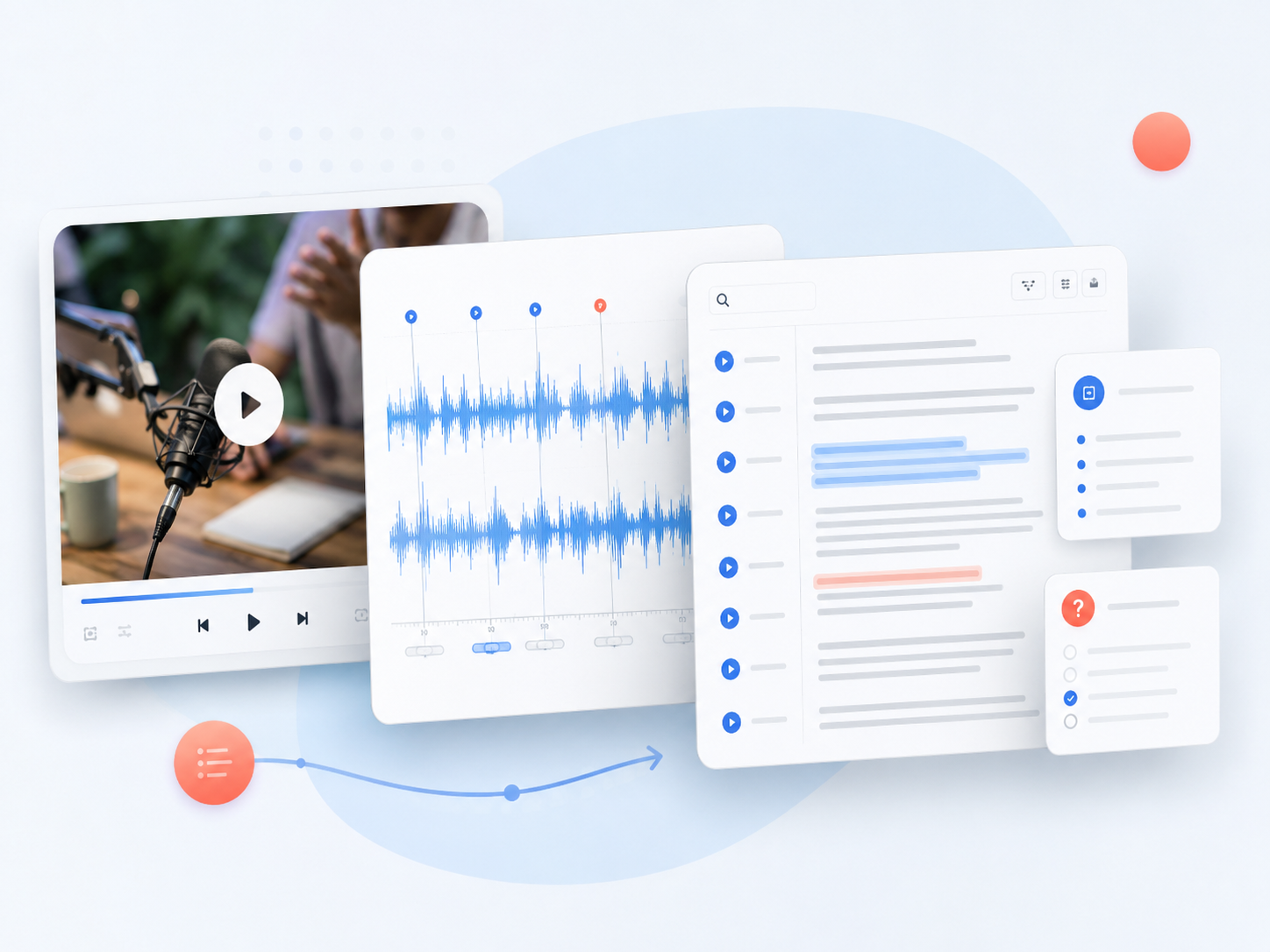
Add the source
Paste a YouTube link, submit a playlist, or choose a video or audio file from your device.
Generate timed text
TranscriptVideo identifies speech, organizes it into readable passages, and links lines to useful timestamps.
Develop the material
Search the transcript video, review the recording, and create summaries, chapters, quizzes, or visual notes.
How people use TranscriptVideo
“I turn hour-long guest interviews into a transcript video record before our editorial meeting. The searchable text helps us verify quotes and outline two episodes without scrubbing through the timeline again.”
Maya Brooks
Podcast producer
“For recorded seminars, the transcript, mind map, and flashcards give my study group three different ways to revisit the same material. Timestamps make it easy to confirm a technical explanation in context.”
Ethan Park
Graduate student
“TranscriptVideo gives our research calls a usable second life. I can search a customer phrase, return to the exact moment, and prepare an evidence-based briefing for the product team.”
Leah Morgan
User researcher
Transcript video questions
Turn the recording into working knowledge
Start a transcript video now, then search, study, and reshape the material from one connected workspace.
Create Transcript